

Submitting a Ticket
If you cannot find answers to your query using the Support Centre follow the steps below to submit a ticket to the support team:
- Login to the Gensolve Support Desk
From Support Centre

From GPM
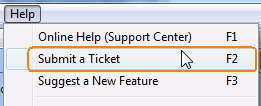
Click on the menu Help >> Submit a Ticket or by pressing the F2 key
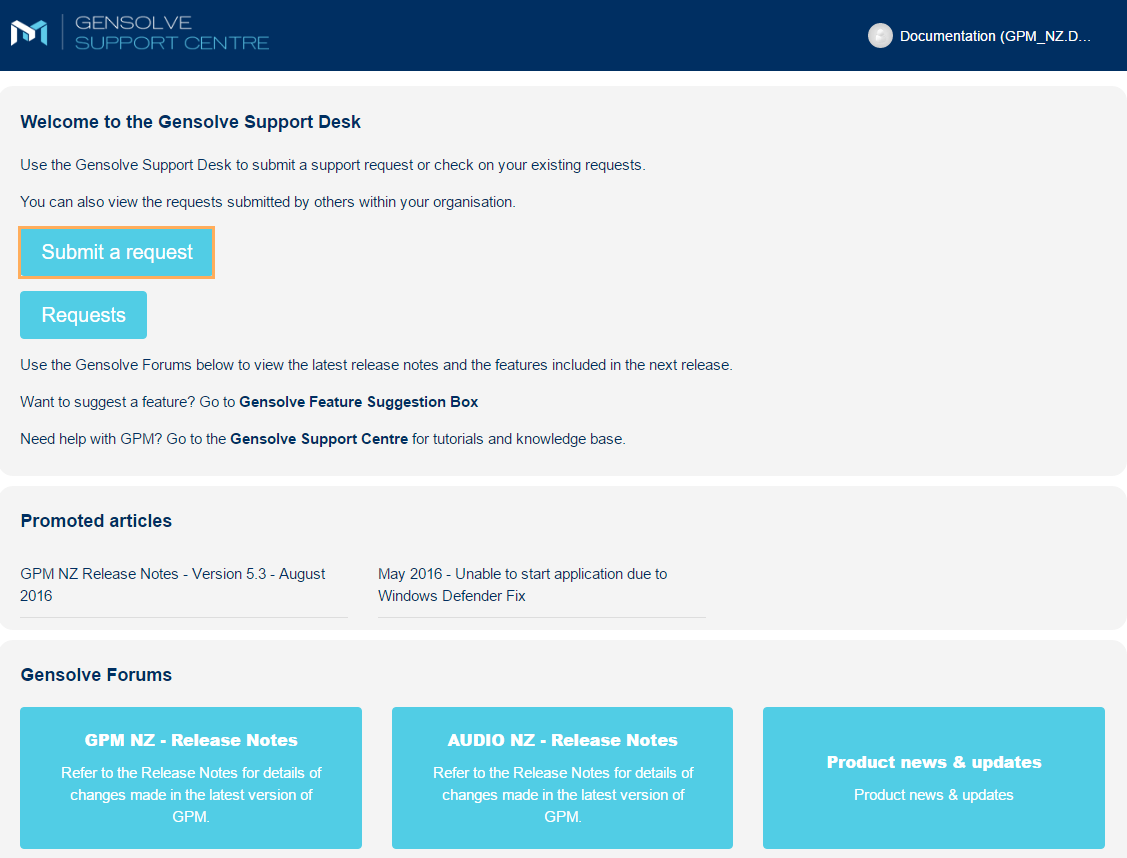
- Click Submit a request
- Fill in the form as needed
- Click Submit
Note: Fields marked with a * are compulsory.

Note: Refer to Taking a Screenshot for more information.
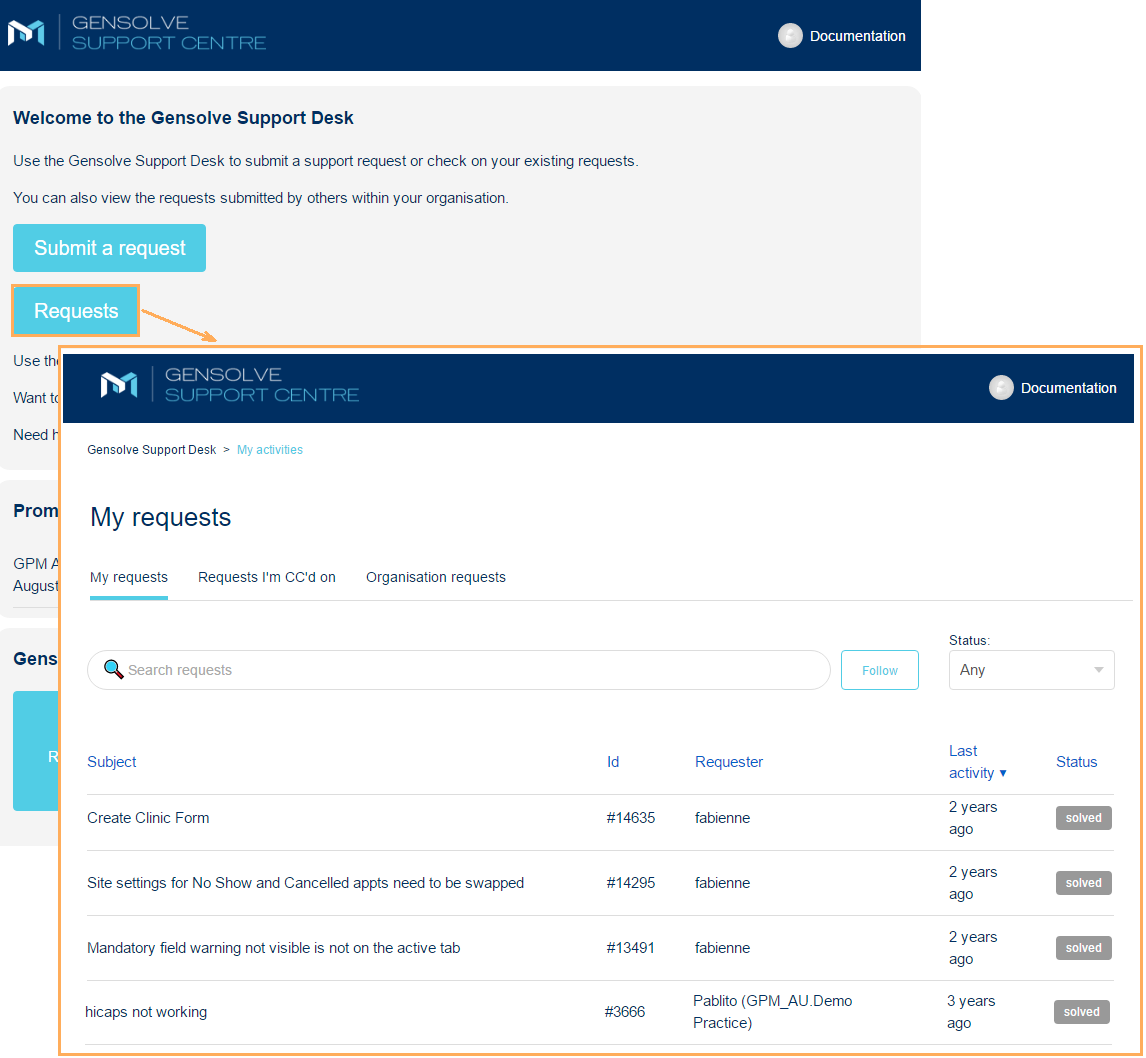
- Back in Home, click Requests to see all your requests and their current status.