


User Access Log
Description
This report will show the record of the User Access Log to get information regarding System Users, log in activity and details such as IP address and the device they used.
The Report data can be filtered by selecting a particular System User based on a date range.
Running the Report
Go to Reports >> Reports and select Miscellaneous from the Report Category list
Then select User Access Log in the Report to Run list
Set up the filters to select the data to be run for the report
Click on Run Report to generate the report
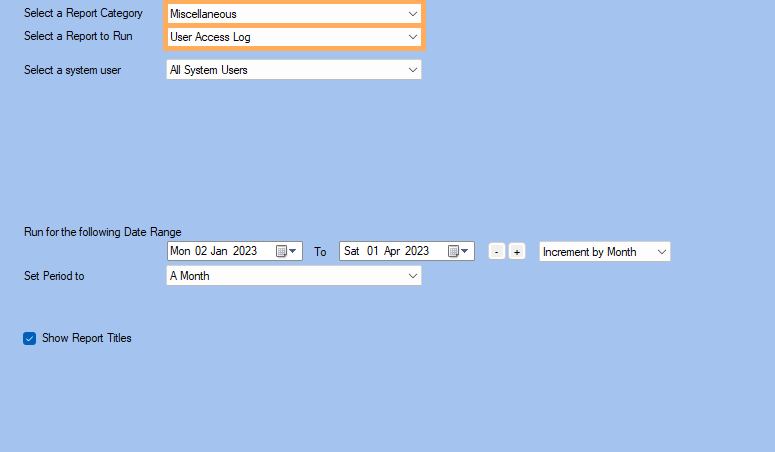
Filters
| Type | Description |
|---|---|
| For System User |
This filter allows you to run the report for a specific System User |
| Date Range |
This filter allows you to select a date range for which to run the report. |
| Set Period to |
This filter allows you to set the date range to a specific Period (e.g.: Calendar Year, Financial Year, etc.). |
| Show Report Titles |
This filter allows you to specify whether the main report title (at top) should be shown in the report. |
The Generated Report
