


How to Create a New Referrer
-
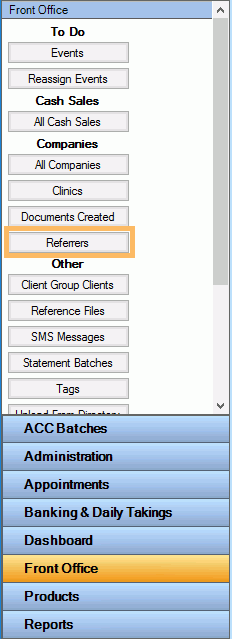
Go to Front Office >> Referrers
Click on New
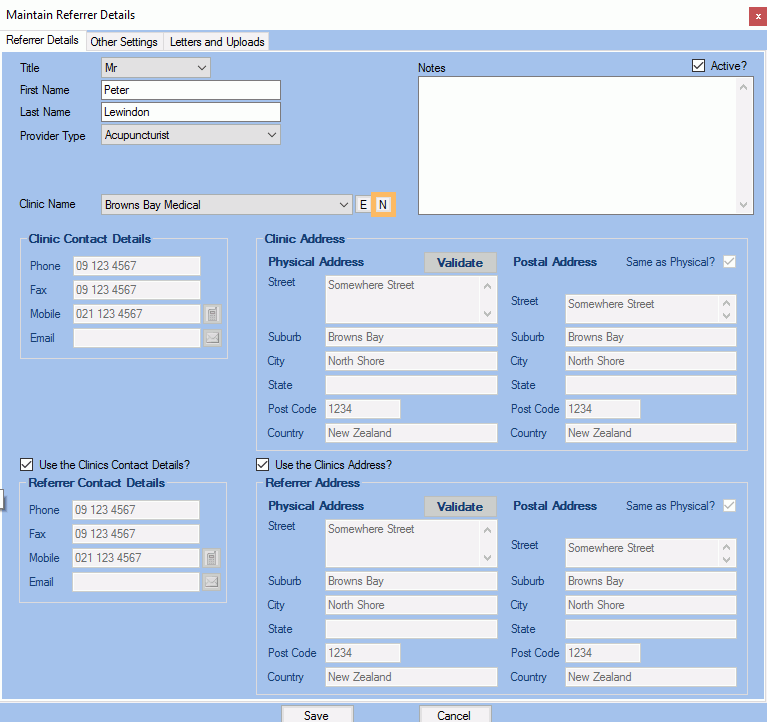
Referrer and enter the referrer's details in the Referrer Details tab
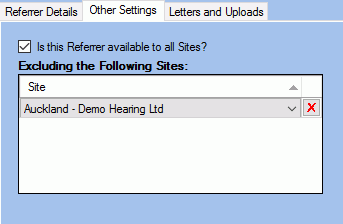
- Click on the Other
Settings tab if you want to specify which site(s)
this referrer is available to
- Click Save.
Note : Use the
Letters and Uploads
tab to create and upload communication between
the referrer and the practice that is not client related.
HINT
You can choose to create a new clinic when creating a new referrer- Click on the
 to create a New Clinic
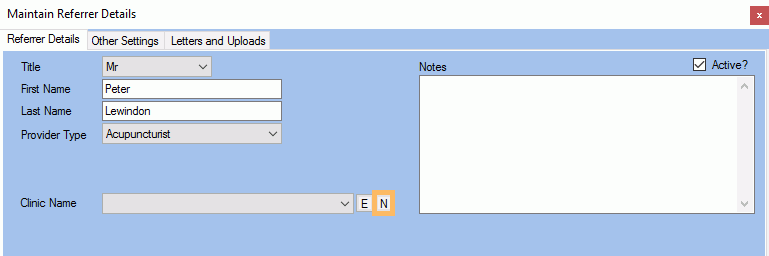
- Once the new clinic details have been entered, the new clinic will be automatically assigned to the referrer
- You can then proceed with the creation of the new referrer.