


How to Add a Public Holiday
Issue
How to add a public holiday to the GPM calendar.
Solution
- Go to Administration >> Appt Schedules
- Click on New Schedule
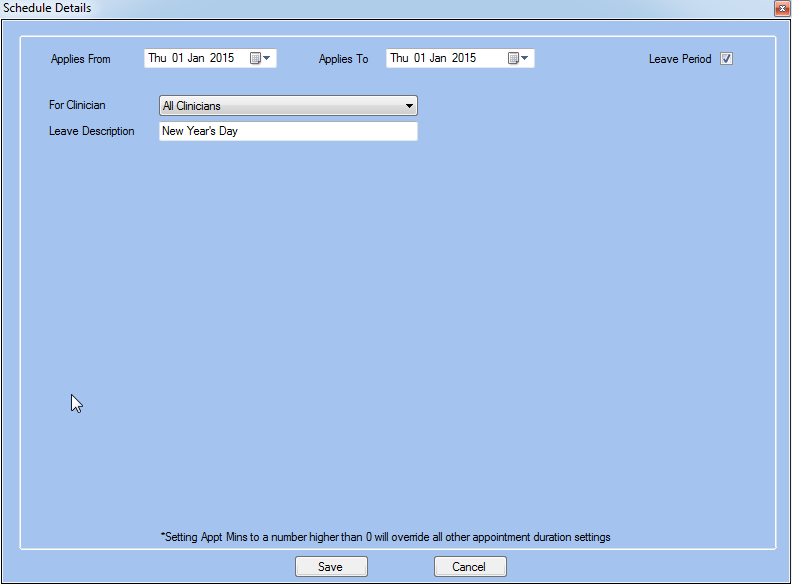
- Enter the public holiday's date in the Applies From/To fields
- Tick the Leave Period checkbox
- Select All Clinicians in the For Clinician field to show that the public holiday applies to all staff
- Enter a name in the Leave Description field
- Click OK to save and add the public holiday
The example below shows how to add New Year's Day as a public holiday:
Go to Appointments to see the public holiday in the calendar:
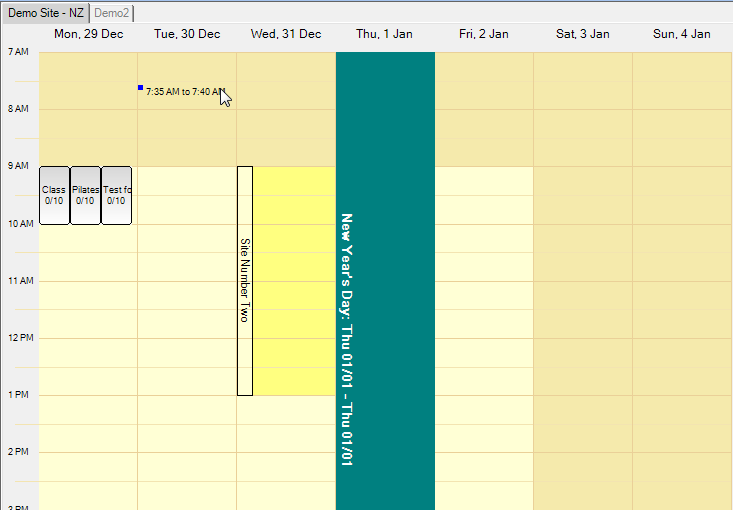
Note: The colour displayed for holidays can be changed in the Site Settings window.