


How to Send a Schedule to ACC Using the API Method
Important
Note: The ACC API Method of sending ACC45 Schedules must be turned on for your Organisation. Please contact the Gensolve Support Team to have this activated.
When creating and sending Schedules you are required to have a valid Digital Certificate installed, and part of the process will be to verify that Certificate if prompted. You must contact ACC if you are having issues with your Digital Certificate Installation.
Solution
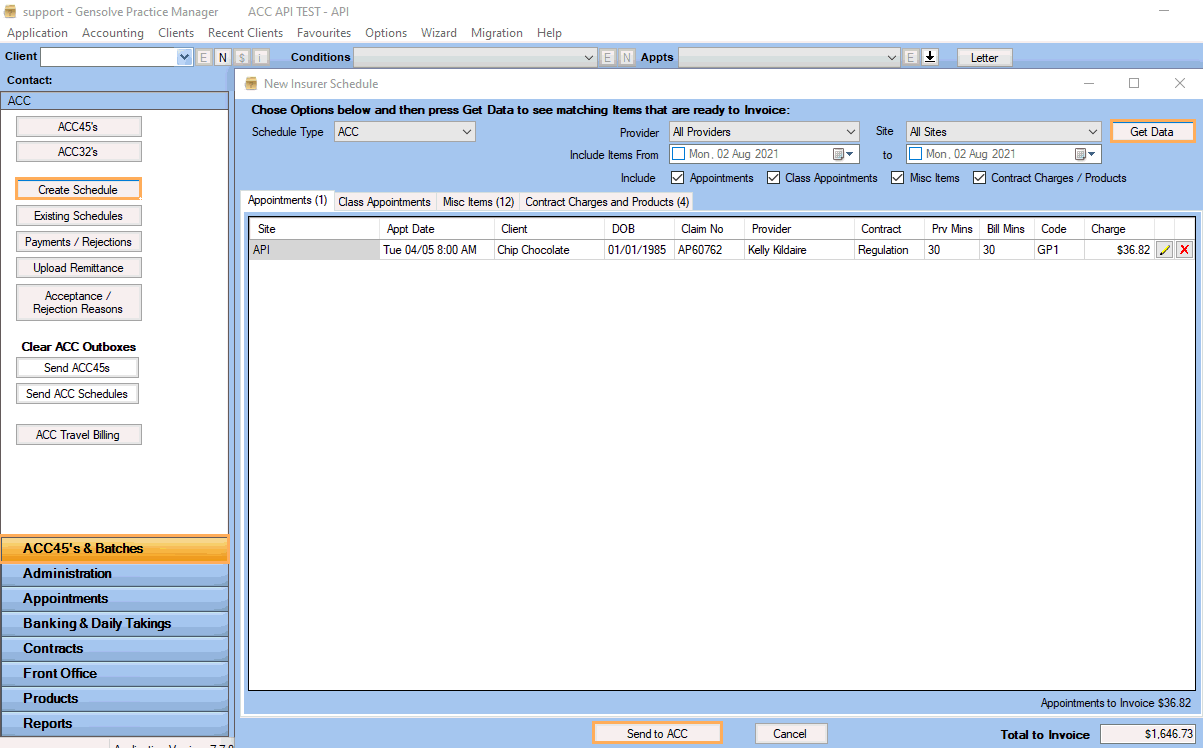
- Go to ACC45's & Batches > Click on Create Schedule
- Click Get Data to populate the items ready to include in a schedule
- Click on Send
to ACC
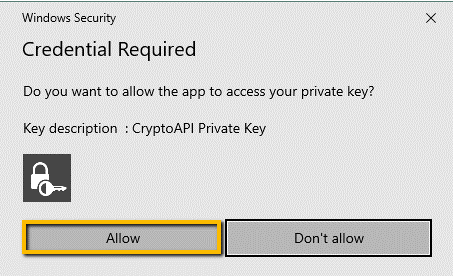
- A Windows Security box may be displayed > Click Allow
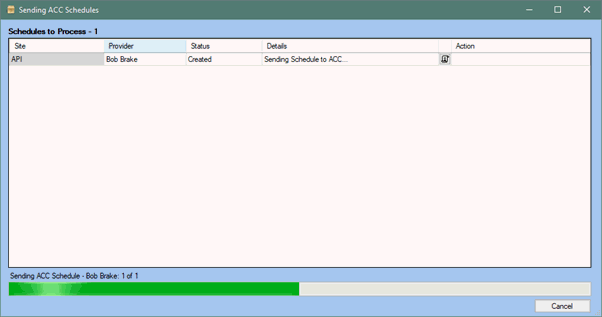
- The Schedule will be created and sent in one action.

- Sent Schedules show under ACC45's & Batches > Existing Schedules > Select Schedule Status to Not Yet Paid
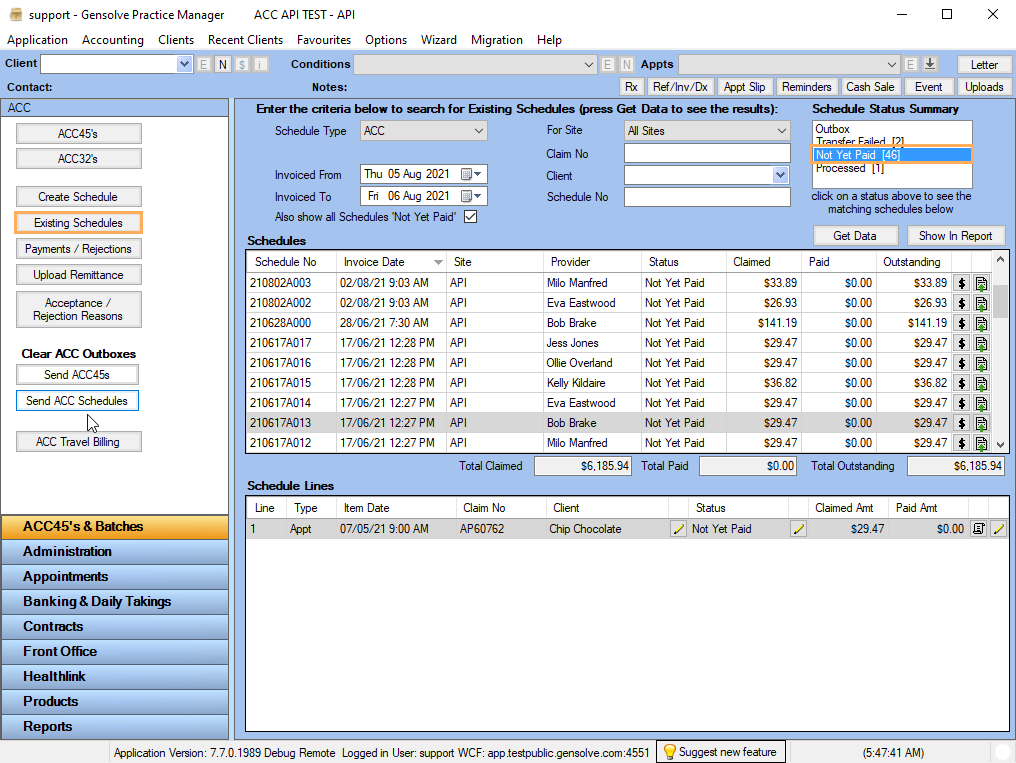
- If the items being billed are not in line with ACC's expectation based on your contract with ACC, a message will display at the time you are sending the Schedule, saying the Schedule has Failed. The reason for the failure can be checked in the usual way under ACC45's & Batches > Existing Schedules > Transfer Failed.
- Click See Also below to review the Transfer Failed support resource.