

How to Send a Fill Request via Email
You can send a fill request within Gensolve Practice Manager using the Gensolve Email Sender
Refer to the sections below to learn more about sending smart forms in GPM Web
Send a Smart Form to a Client
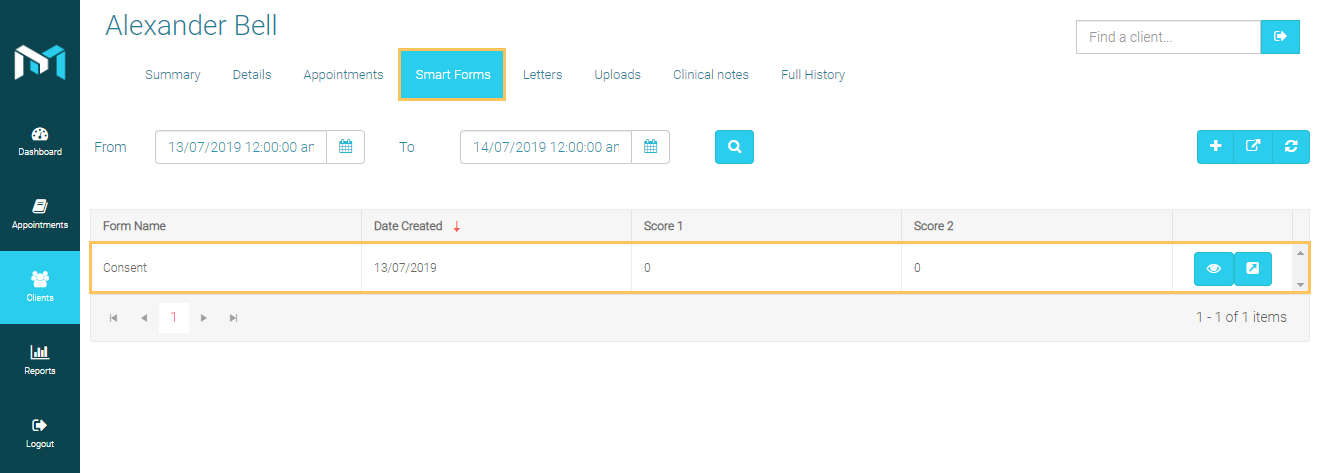
- Search a specific client then click on the View More button
- Click on the Smart Forms tab
- Click on

- Select a form owner type
- Select a specific form to use from the drop down list
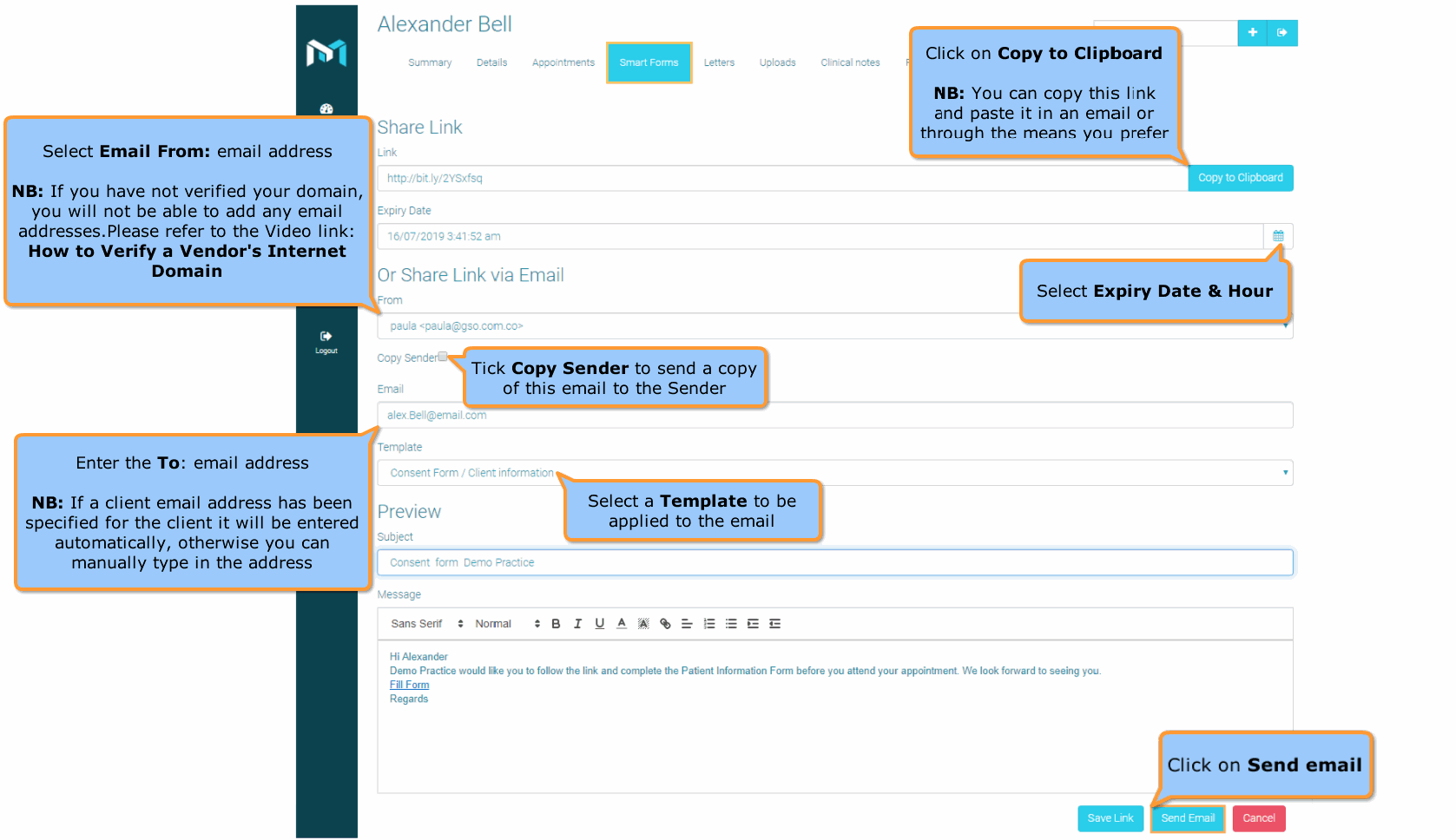
- Click on Share.
- Fill the form as required
- Click on Send Email
Client Fill the Form
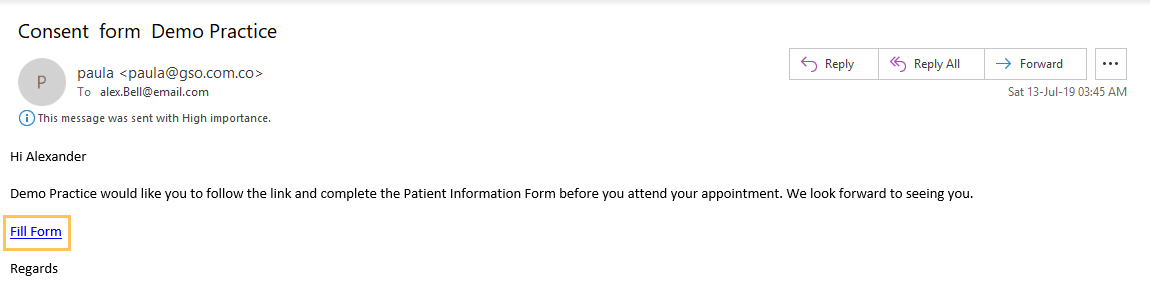
Once the email has been sent to the client, the client will receive
an email with the link
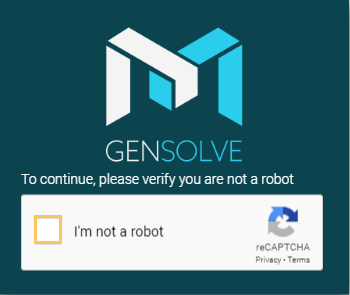
The link will open a page that will ask clients to be human-verified via Google ReCaptcha.
Once the Client has verified the ReCaptcha Verification the form can be filled as required
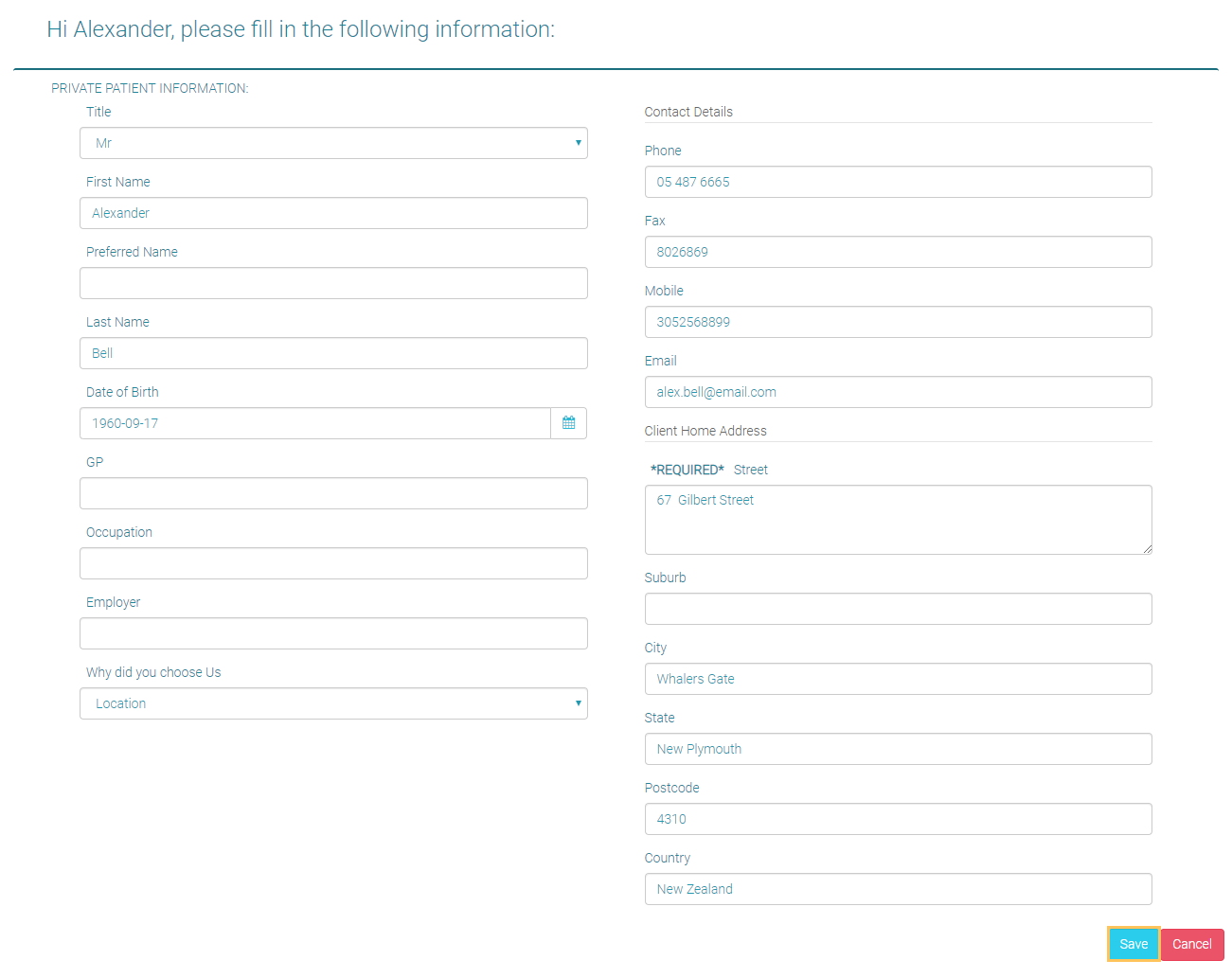
Smart Form in GPM Web
Once the form is saved by the client the a new form is displayed in Smart Forms tab